▍Q. Can I take it out as a mobile battery?
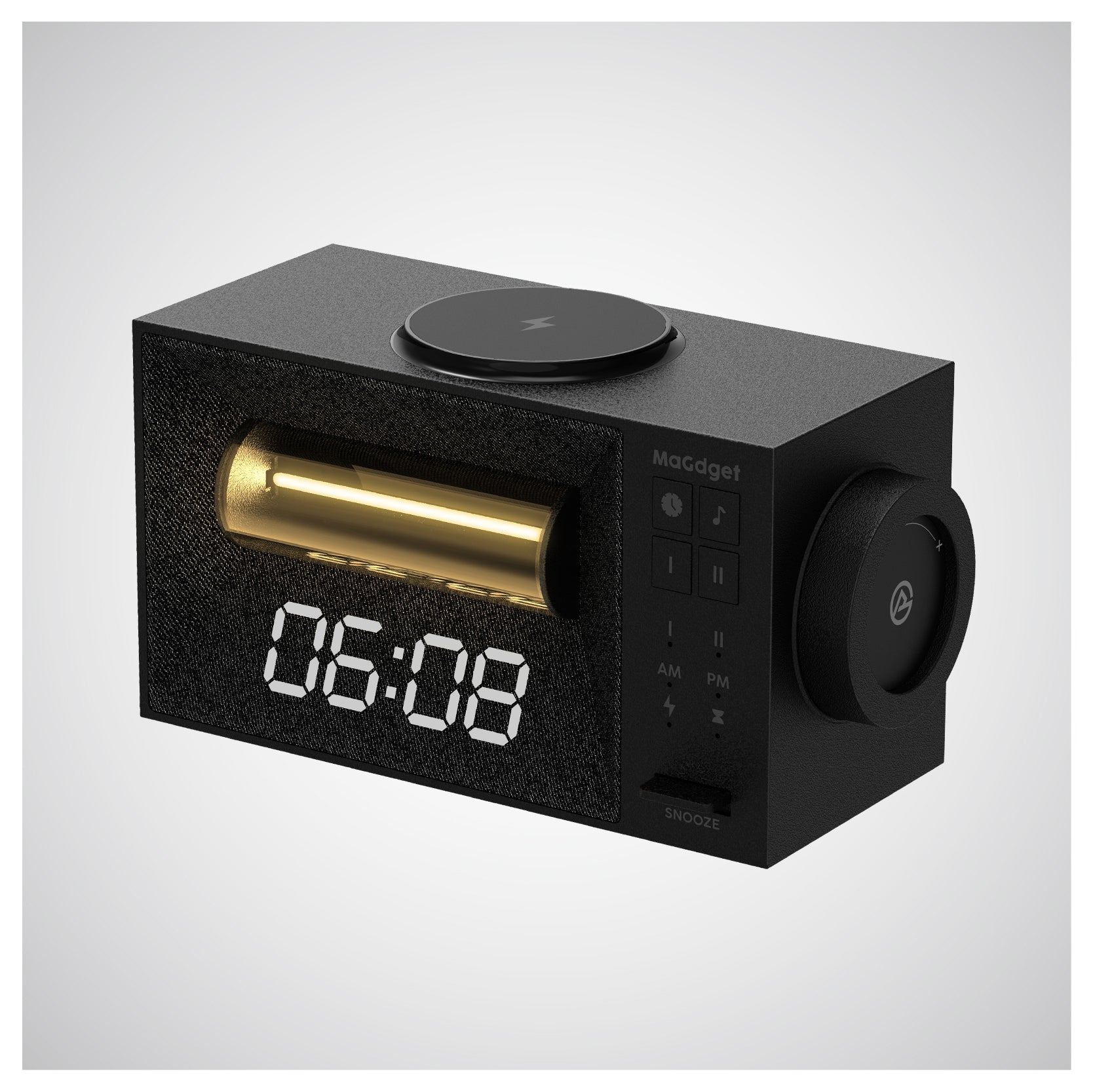
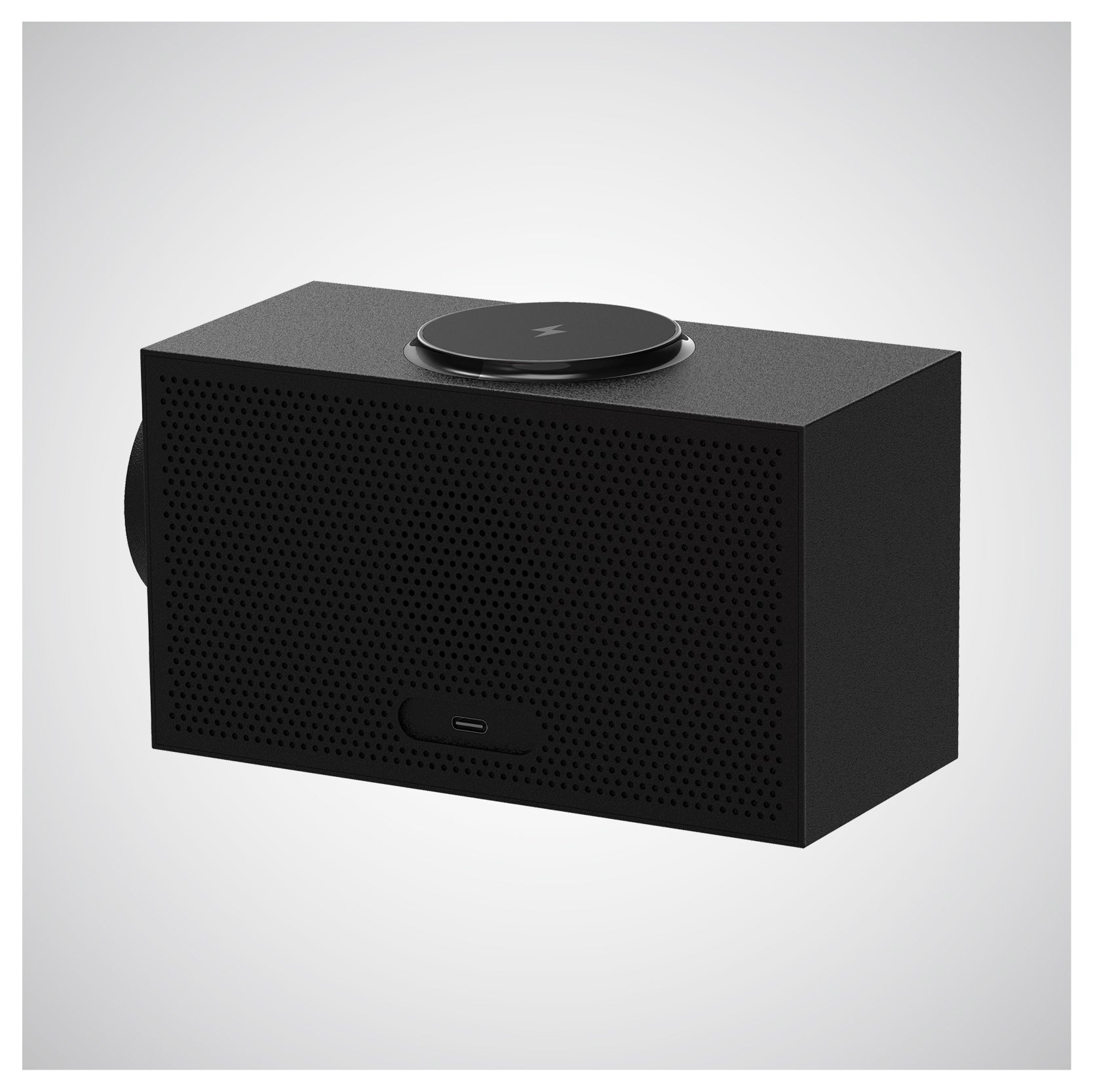
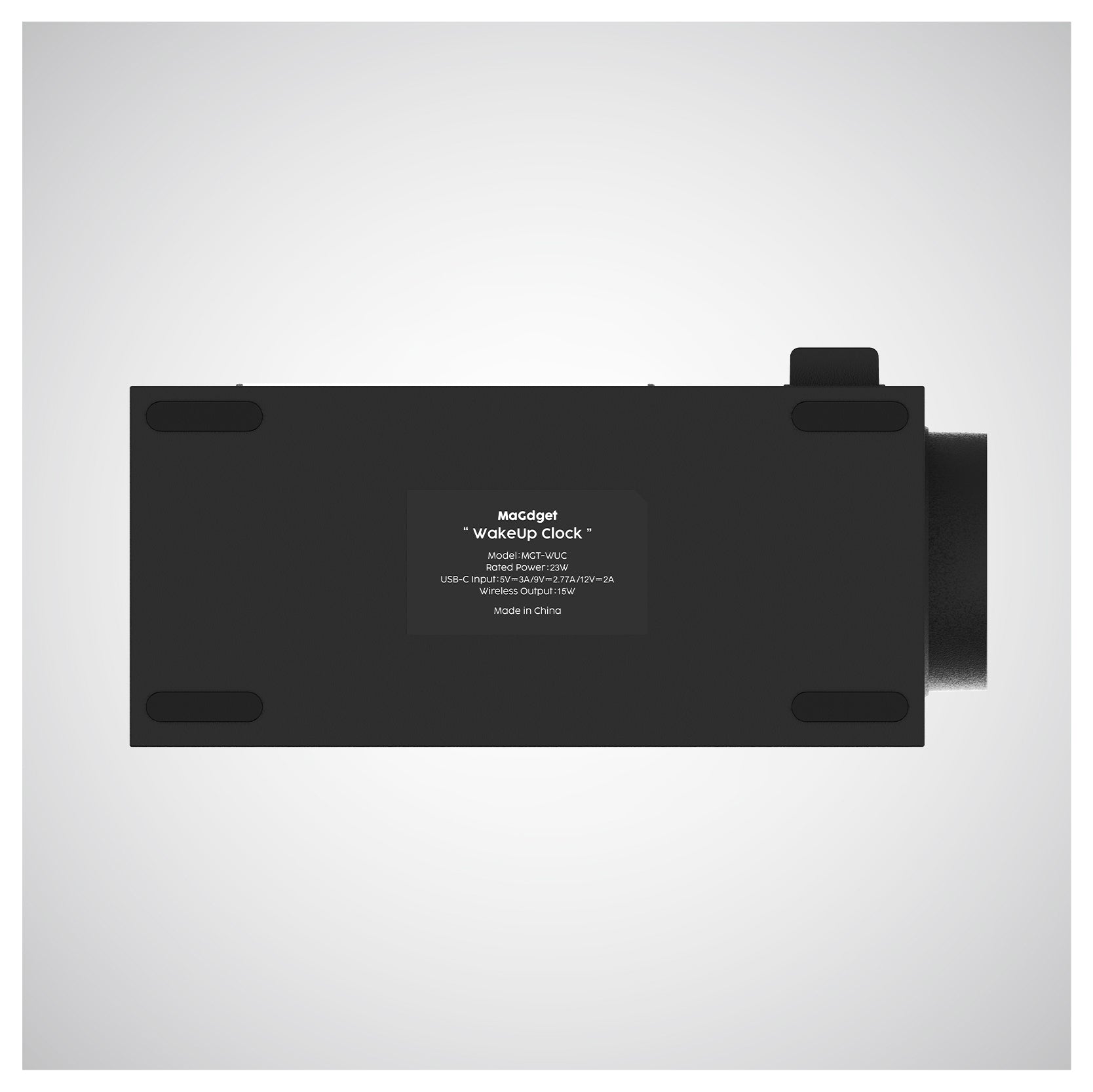
A. No, this product does not have a mobile battery function (built-in battery). For operation and wireless charging, power must always be supplied from an AC adapter via the included Type-C cable.
▍Q. Is an AC adapter included?
A. An AC adapter is not included with this product. Please prepare a separate AC adapter with the appropriate output.
▍Q. If I temporarily unplug the device during a room rearrangement, will the time and alarm settings be lost?
A. This product is equipped with a setting retention function, so all settings will be retained for up to 10 hours even if the power supply is interrupted. However, please note that settings may be reset if more than 10 hours pass. (※This function is for temporary power outages, so the time display and brightness settings will be reset.)
▍Q. Can I charge my smartphone with the case on?
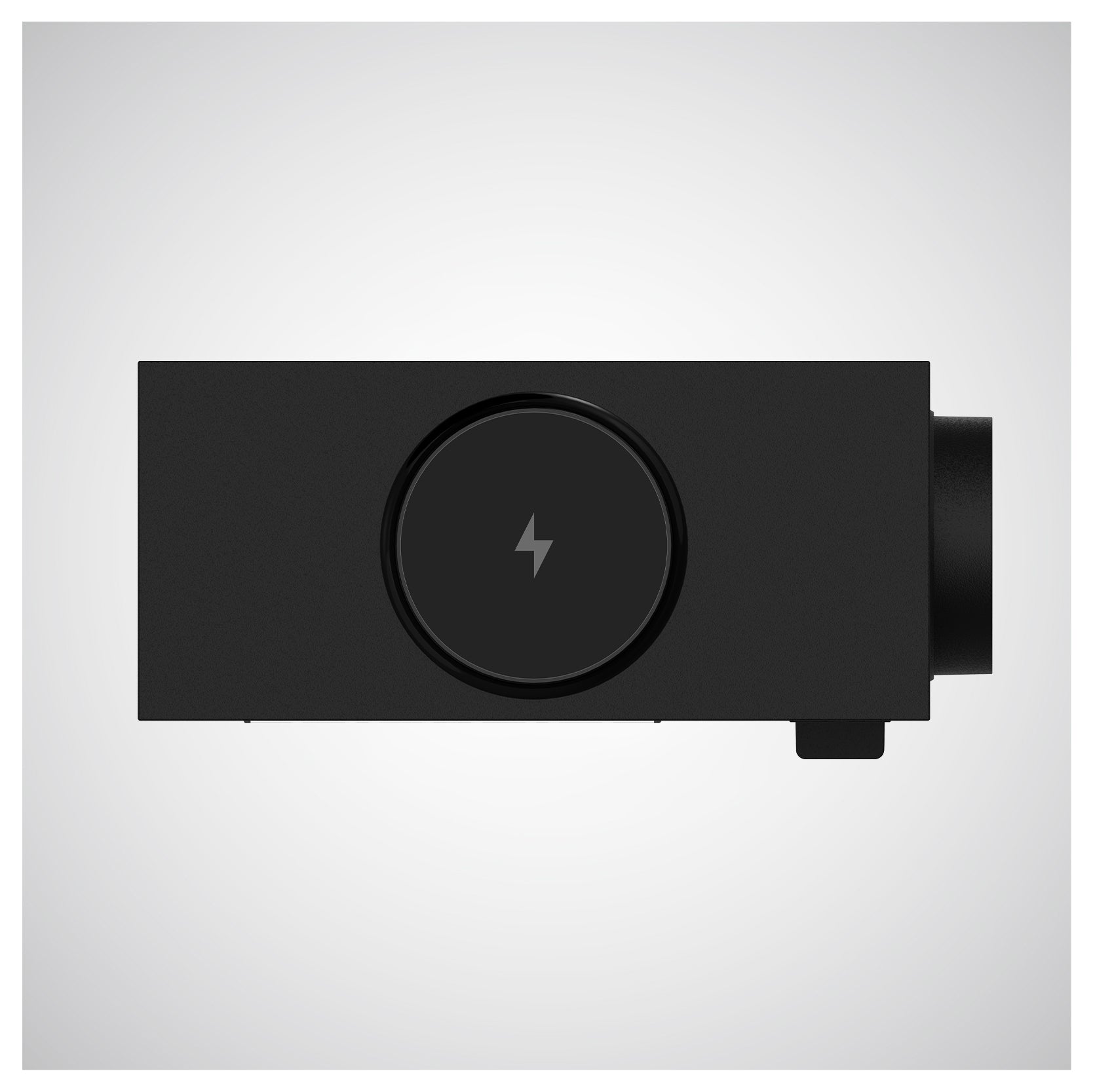
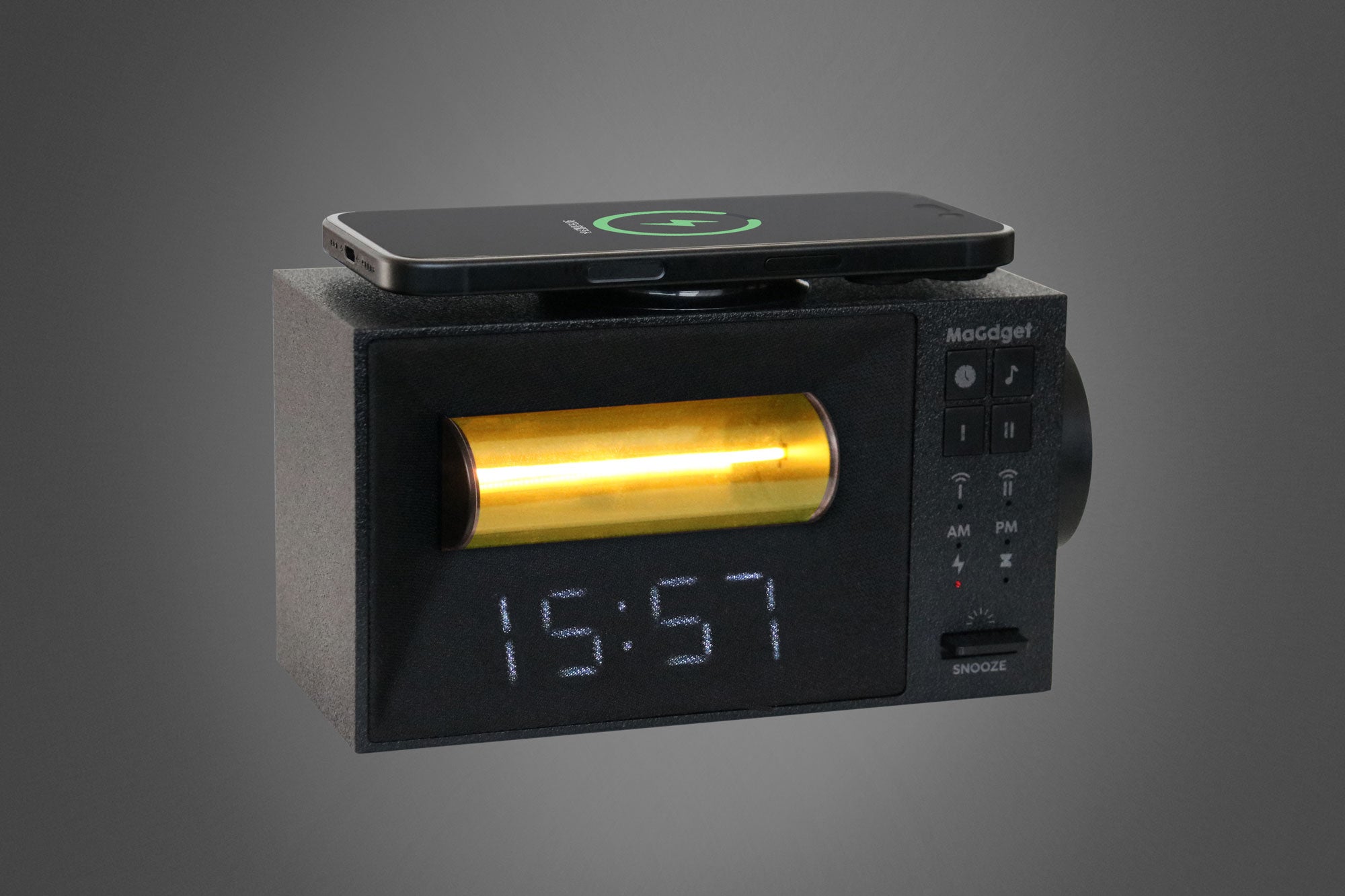
A. You can charge with a MagSafe compatible case attached. However, thick cases, metal or magnetic cases, and credit cards may cause charging errors or slow down charging, so please remove them before use. Also, the magnetism may leave a faint circular mark on the case.
▍Q. Why does charging stop around 80% or the unit gets hot?
A. It is normal for the unit or smartphone to get warm during charging, as this is a characteristic of wireless charging. Additionally, if the "Optimized Battery Charging" feature on iPhones or similar devices is active, the charging speed may slow down or temporarily stop around 80% to protect the battery.
▍Q. Can I use the wake-up light (light alarm) for both Alarm 1 and Alarm 2?
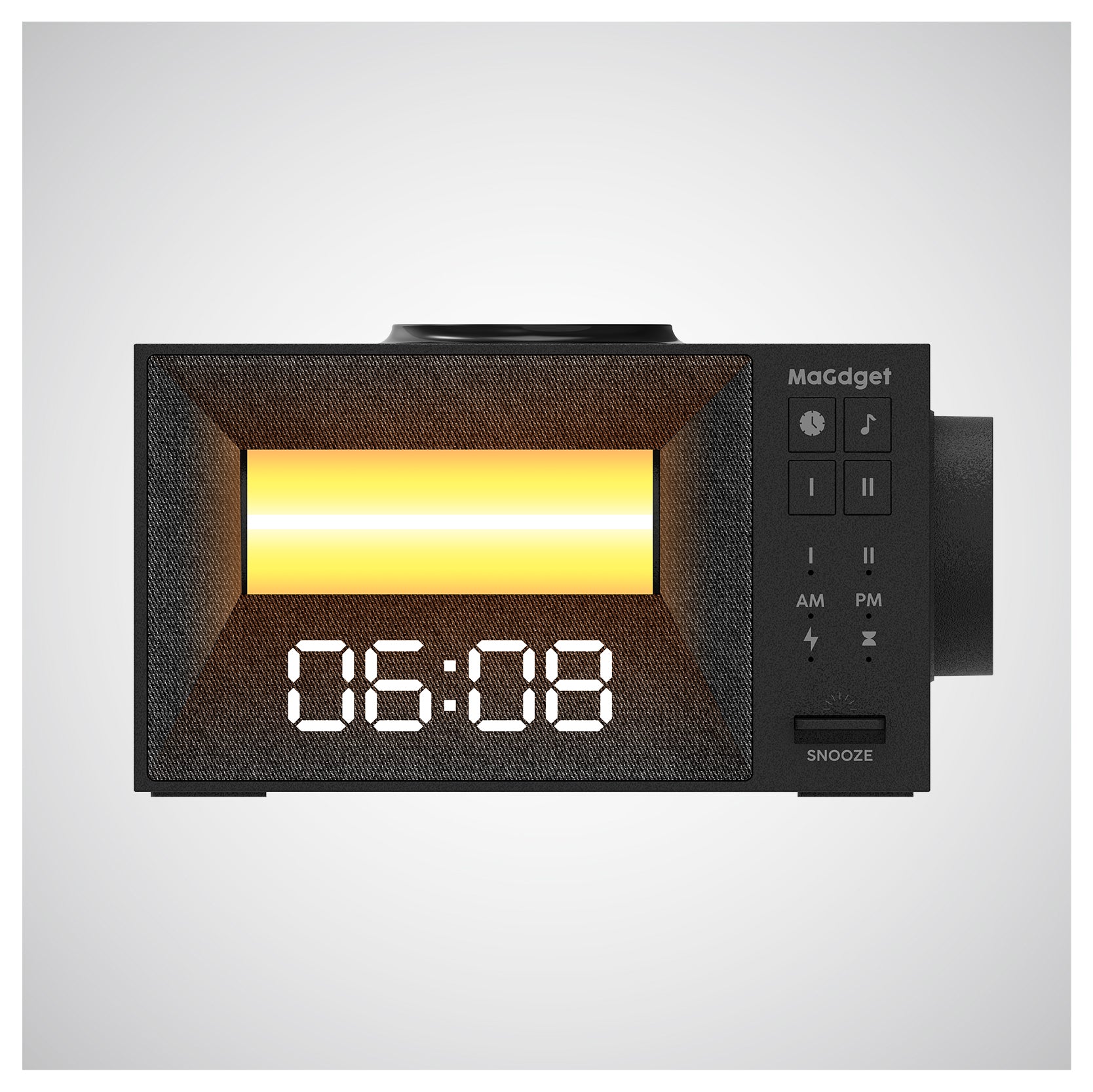
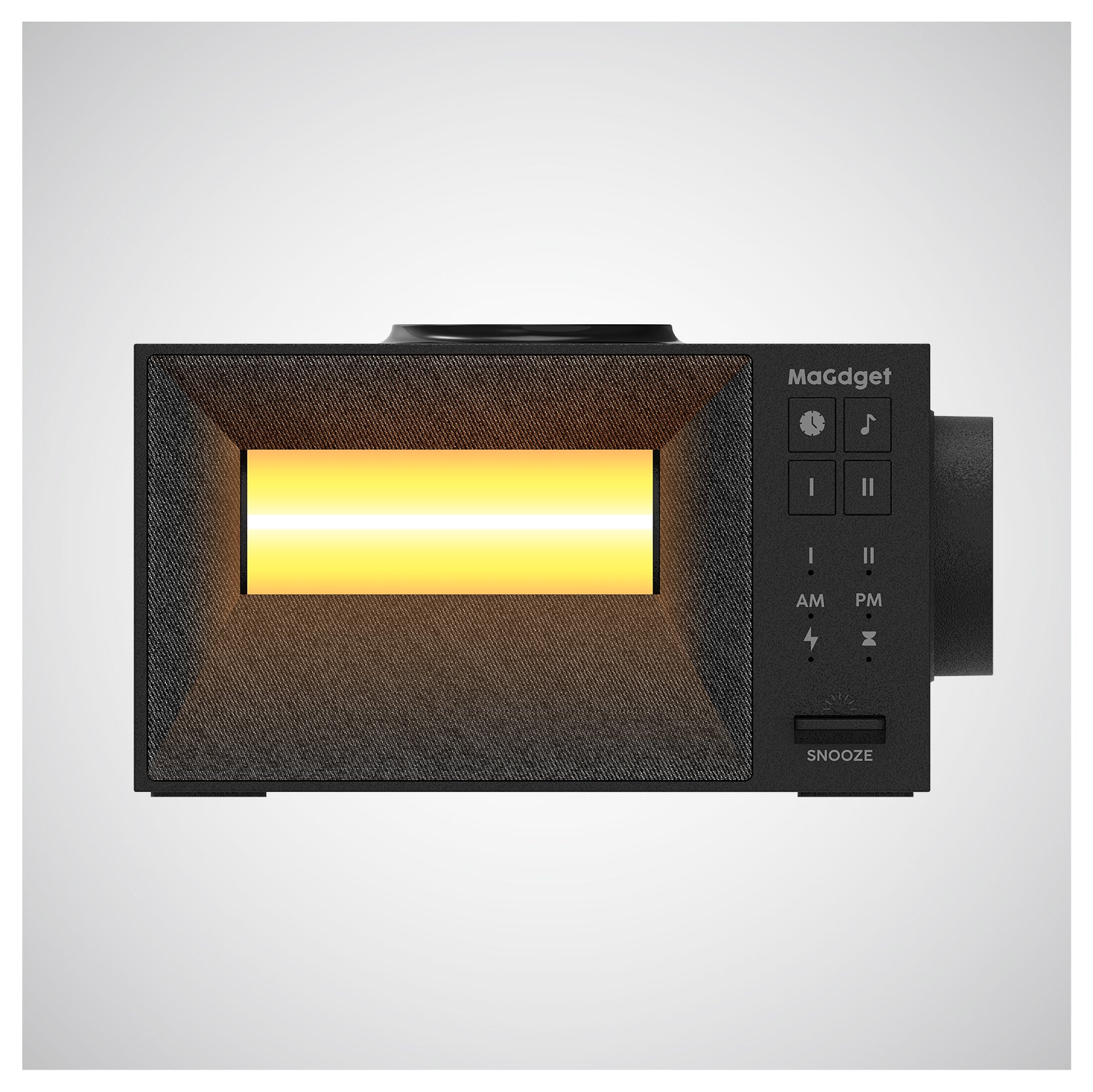
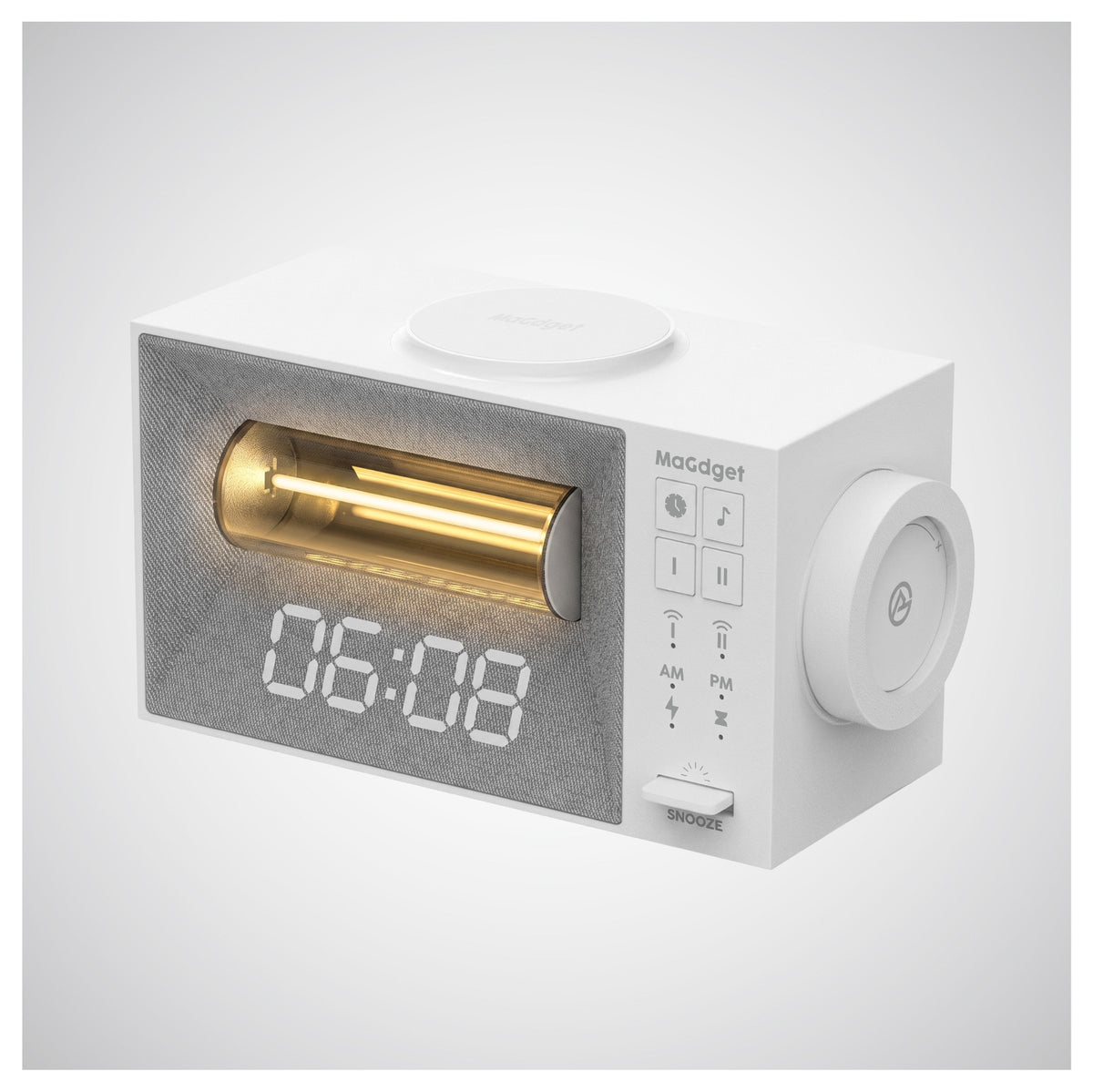
A. No, the gradual brightening wake-up function is exclusively for "Alarm 1." It is not available for Alarm 2.
▍Q. Can I set Alarm 1 and Alarm 2 to the same time?
A. They cannot be set to the same time. If set to the same time, the system will automatically reset "Alarm 1 to 7:00 AM" and "Alarm 2 to 9:00 PM." Please set them to different times.
▍Q. I'm worried that the clock display might be too bright when I'm trying to sleep. Can I turn it off?
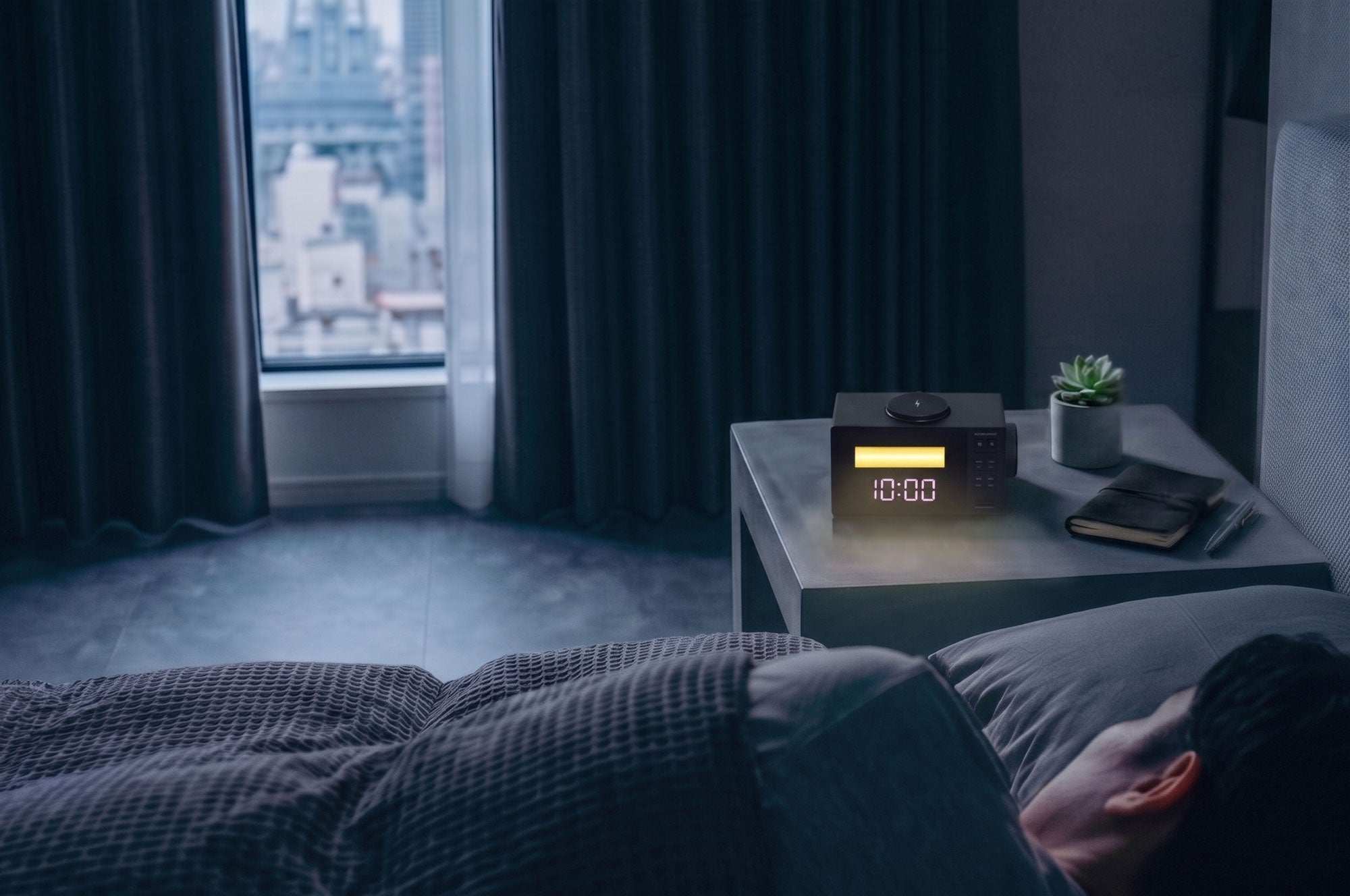
A. Yes, by short-pressing the "Snooze button," you can switch the display brightness through four levels: [High → Medium → Low → Off]. All settings, including alarms, will be retained even when the display is off.
▍Q. I want to fall asleep while listening to ambient sounds, but will they play all night?
A. Please use the timer function. By pressing the time setting button while sounds are playing, you can set an auto-off timer for 30, 60, 90, or 120 minutes. The sound will automatically turn off after the set time.
▍Q. Other questions
A. We have a comprehensive support system in place, so please contact us if you have any questions about the product or if there is a defect. Our representative will respond promptly.